
Family
Keep feeding, growth, medicine, checkups, and the small moments of family life together.
FeedingSleepGrowthMedicine
 NOWN
NOWNFAMILY CARE · PRIVACY FIRST
Family, pets, and plants all deserve to be gently seen.
Nown keeps today's care in view and turns the journey into memories.
For iPhone and iPad · Requires iOS / iPadOS 17 or later
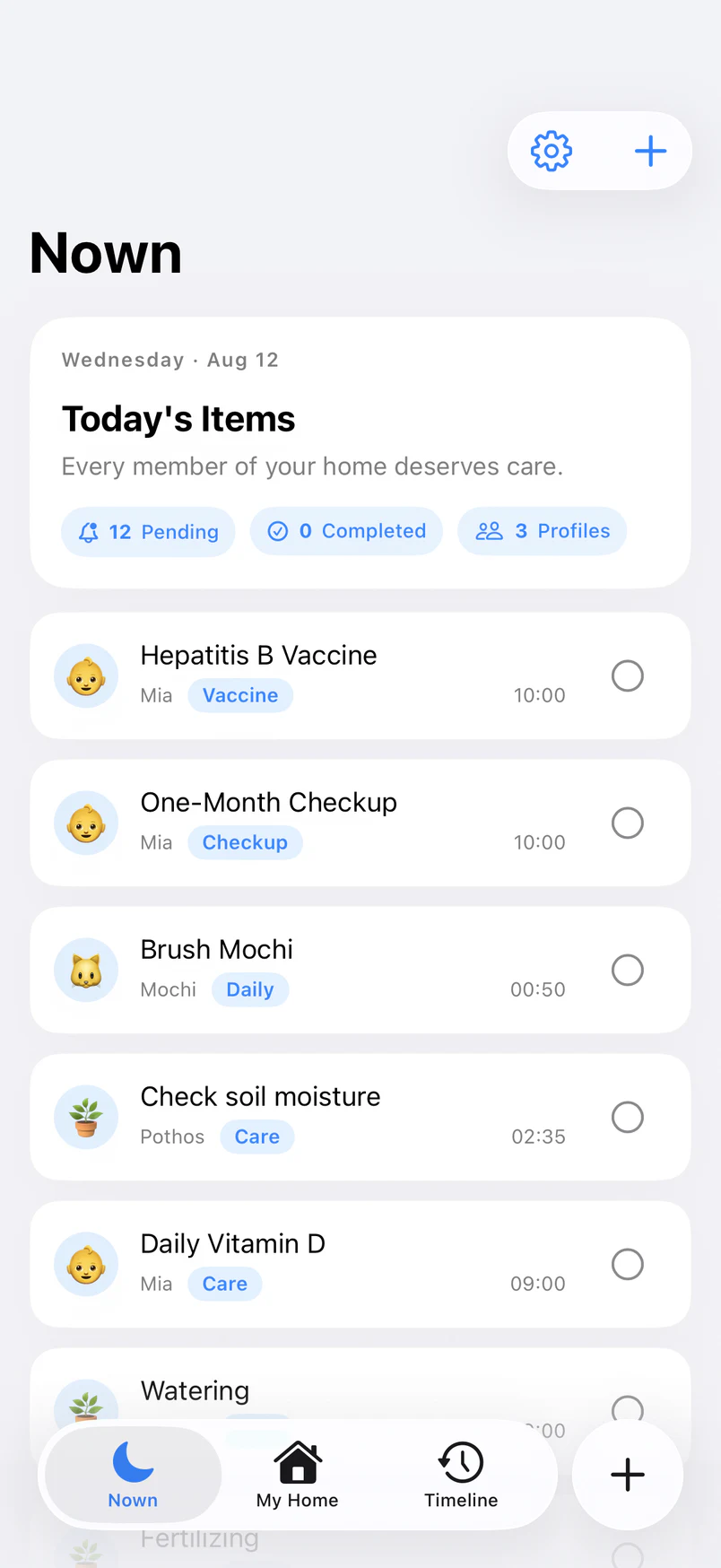
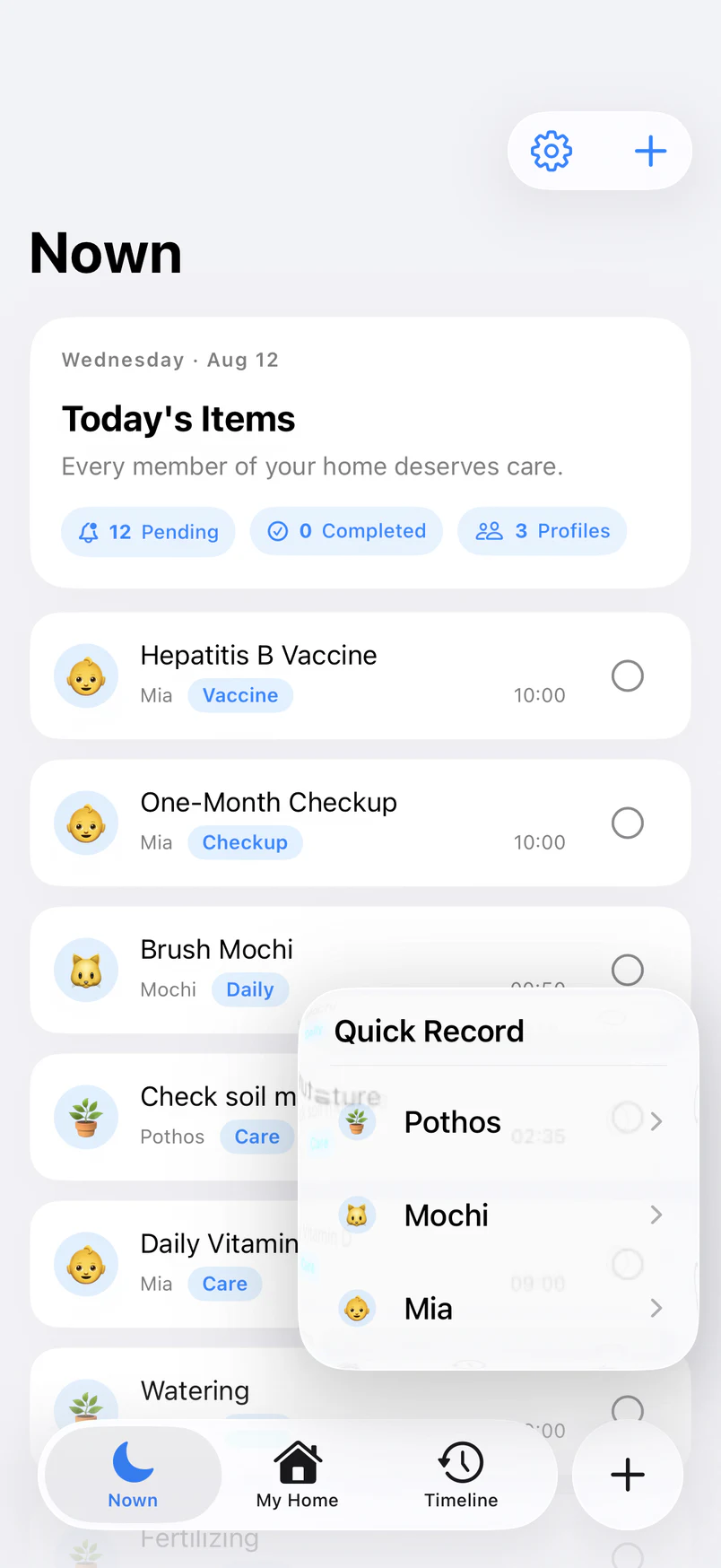
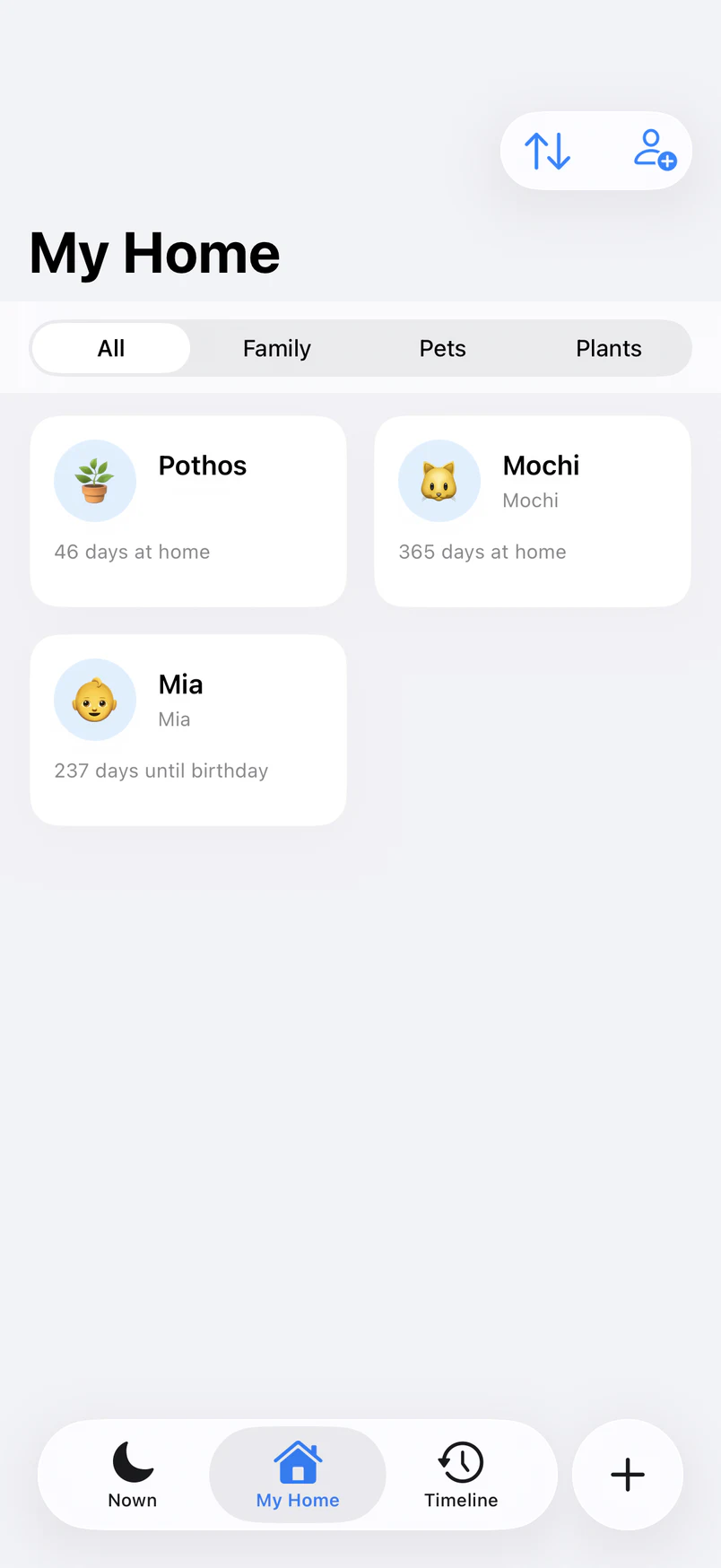
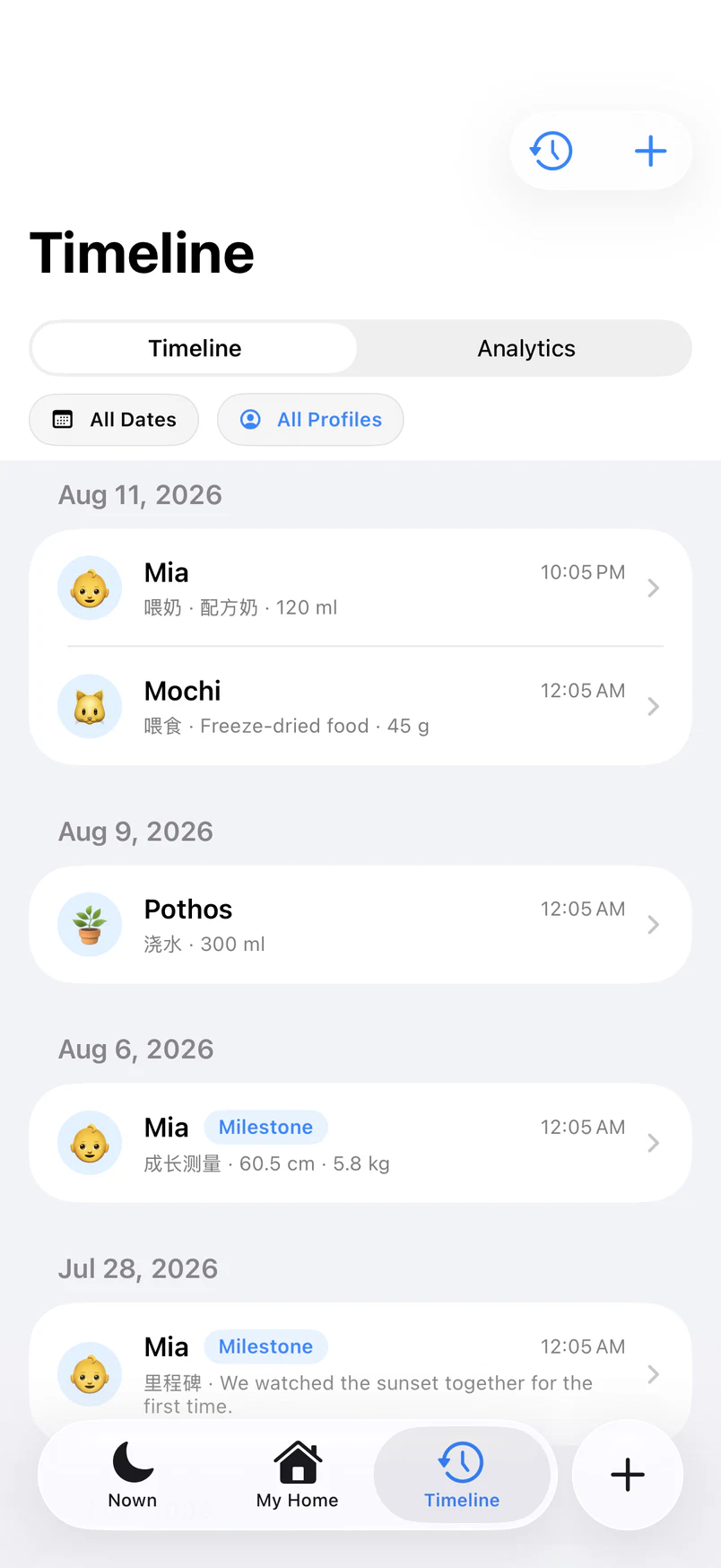
Swipe the screen or choose a view
DESIGNED FOR EVERY KIND OF CARE
Some things cannot be forgotten. Others deserve to be remembered. Nown gathers the care scattered across notes, photos, and memory into one calm story.
MY HOME
Keep feeding, growth, medicine, checkups, and the small moments of family life together.
From meals and walks to deworming and checkups, every act of care stays easy to follow.
Remember watering, feeding, and repotting—and the quiet afternoon a new leaf appeared.
MY HOME
Browse family, pets, and plants by category, then move naturally into each person's profile, records, and reminders.
TODAY
Checkups, medicine, walks, watering—Nown brings each task forward at the right time. To-do and completed care stay clearly separated, so memory does not carry the whole load.
QUICK RECORD
From feeding, sleep, and growth to walks, meals, watering, and fertilizing. Structured fields keep entry fast, while recent choices make repeated care feel effortless.
Notes, conditional fields, and up to 9 photos · Edit or delete anytime
MEMORY REPLAY
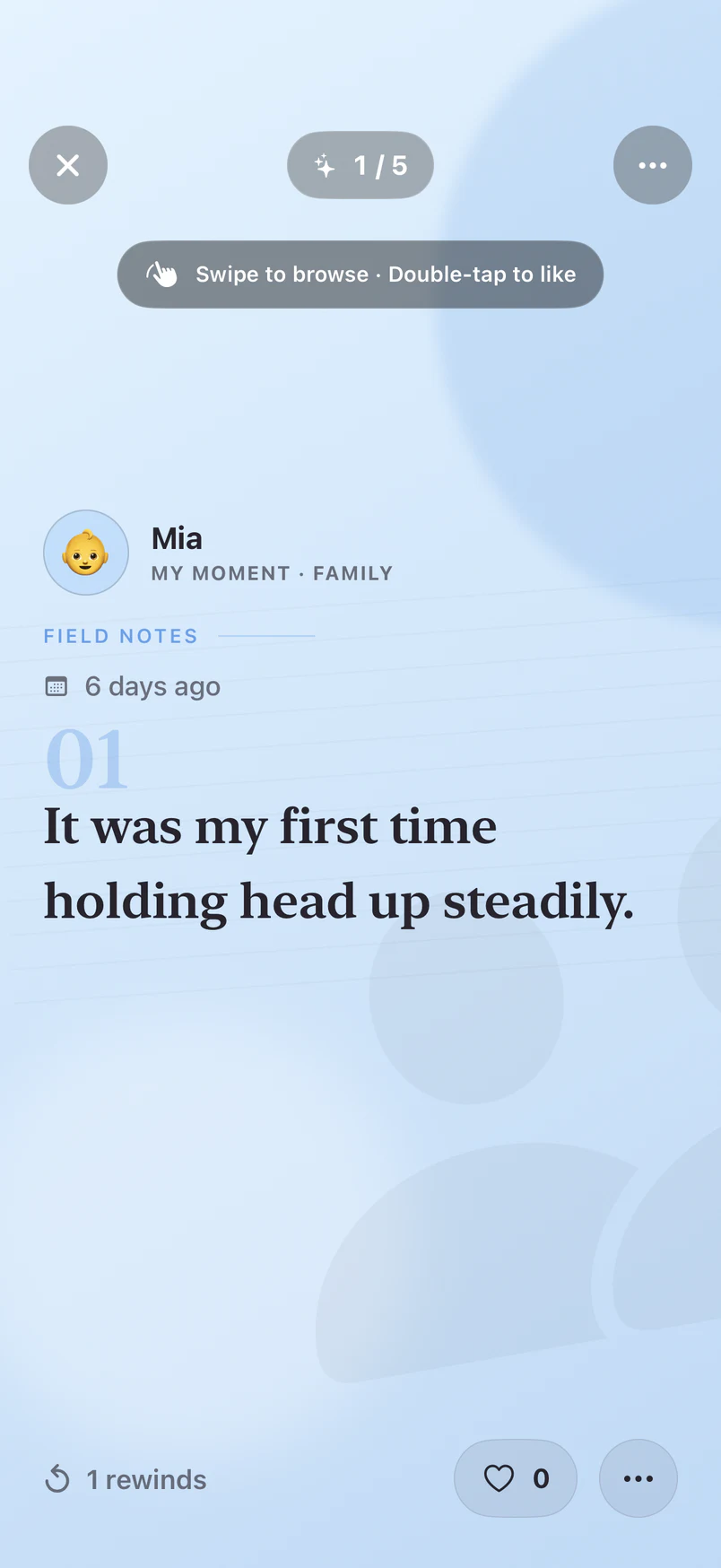
Milestones become first-person memory cards. A gentle upward swipe brings back the people you have cared for—and the person you were then.
TIMELINE & INSIGHTS
The timeline keeps every act of care and every photo in its day. Filter by family member, pet, or plant, then view daily, 7-day, or 30-day trends.
NEW CAPABILITIES
Nown now includes iCloud Drive backup, Home and Lock Screen widgets, and a wide-screen experience designed for iPad.
iCloud Drive
Back up profiles, reminders, records, and photos manually or automatically. Nown asks before a restore and never silently replaces current data.
Widgets
Put Today, Quick Record, Time Rewind, and Family Dates on the Home or Lock Screen. Sensitive content follows system Lock Screen privacy settings.
iPad
Navigation and content adapt to portrait, landscape, and common window sizes while keeping the experience familiar across iPhone and iPad.
PRIVACY FIRST
Nown processes only what is needed for the features you choose. It does not build advertising profiles or turn private life into traffic.
See why notifications or photos are needed before you choose.
Manage, export, or delete your information through clear controls.
Unnecessary processing is reduced while protection keeps improving.
Important changes to data handling are explained when they happen.
VISIBLE CONTROL
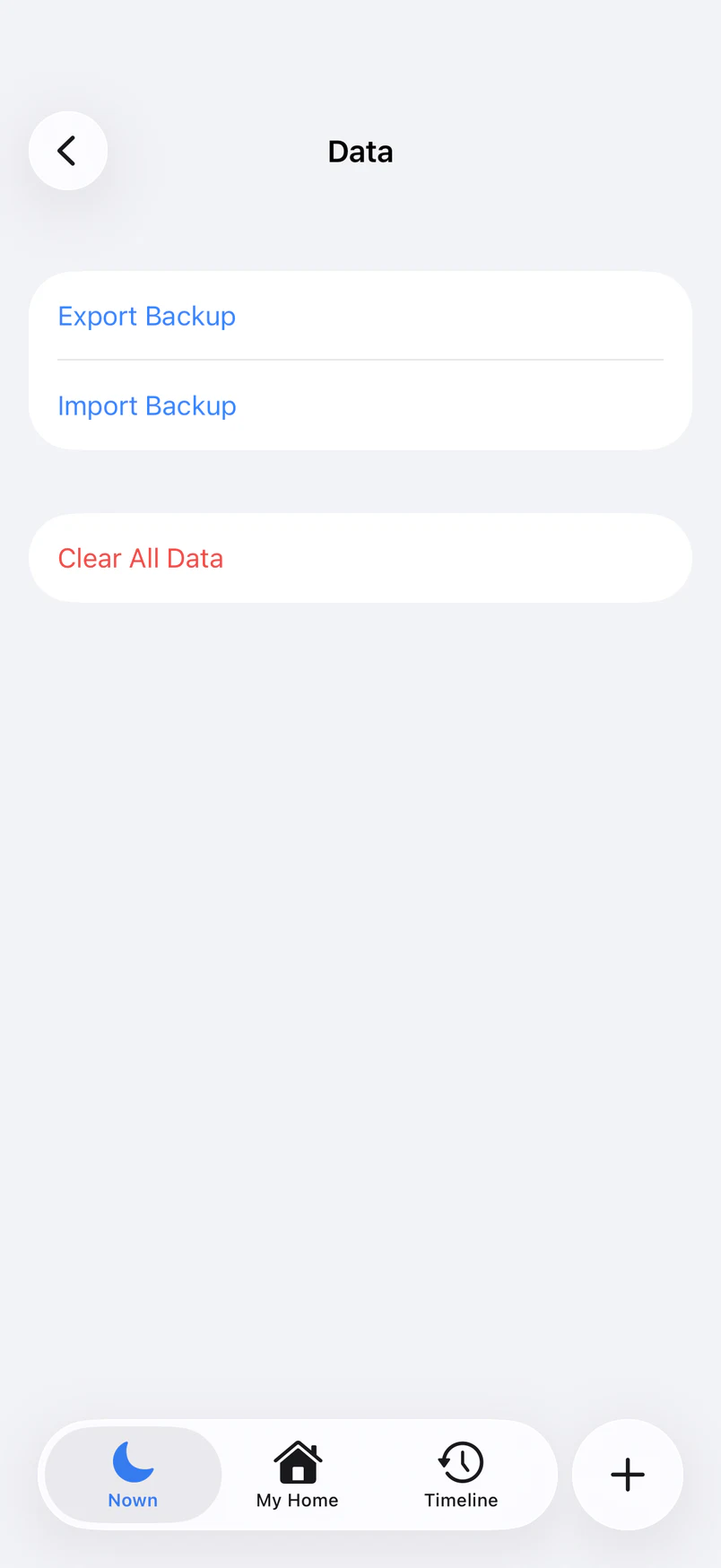
This is the real data management screen in Nown. Choose manual or automatic iCloud backup, with clear confirmation before restore or deletion takes effect.
THE COMPLETE EXPERIENCE
Loved ones
Reminders & Today
Records & memories
Experience & data
FAQ
Anyone who wants one thoughtful place to care for family, pets, and plants. Nown is a lightweight family care journal, not a medical diagnosis tool.
Nown follows data minimization principles and processes only what is needed for features you choose. It does not sell personal information for advertising profiles.
Family care can include feeding, sleep, medicine, and growth; pets can include meals and walks; plants can include watering and fertilizing. You can also add notes, photos, and milestones.
Use Settings → Data to keep a complete backup with images in your own iCloud Drive, or export a backup file. Nown asks before restoring or importing because the operation replaces current data on that device.
Yes. Nown is available on the App Store for iPhone and iPad with iOS or iPadOS 17 or later. Download Nown.
Yes. Nown includes a separate demo space. Sample content never enters your real records and is removed when you leave.
AVAILABLE ON THE APP STORE
Bring every loved one at home gently into Nown.
iPhone and iPad · iOS / iPadOS 17 or later · 中文 / English